

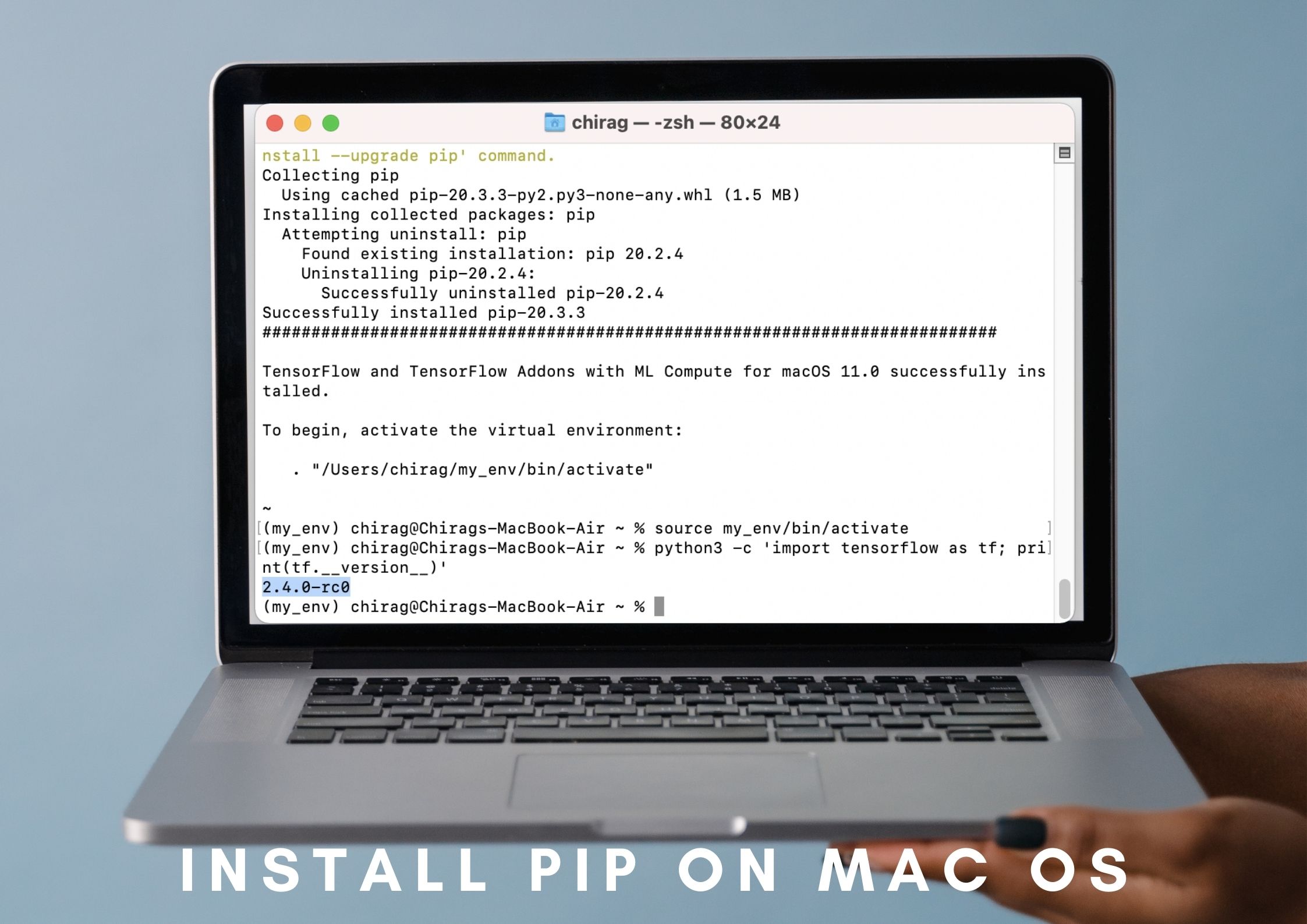
Python is popular programming and scripting language. It includes important modules and libraries but also there is a lot of popular 3rd party library. Pip is the command and tools used to install, update and delete 3rd party packages. In this tutorial, we will learn how to install pip and other essential information.
Check and Display Python Version
Before installing the pip we have to make sure that Python is installed. Also, the version of Python is necessary since pip will be installed according to this Python version.
$ python --version

$ python3 --version
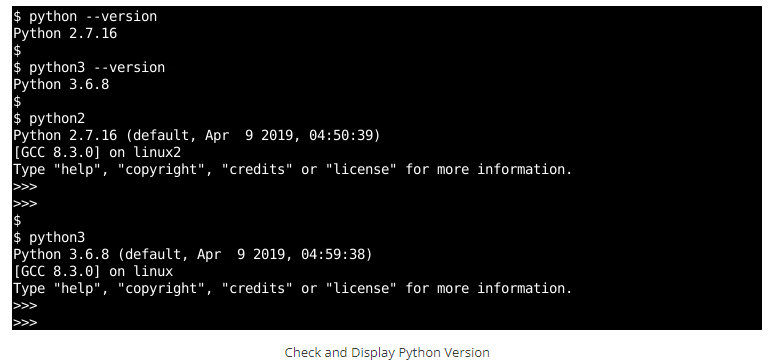
We can see that both PYthon2 and PYthon3 is installed. So we can use installation commands for both Python2 and Python3. The python2 version is Python2.7.16 and the Python3 version is Python3.6.8.
Install Pip with easy_install On MacOS
easy_install is a Python module supplied with setuptools that allows us the ability to download, compile, install pip on Mac OS, and manage Python packages. Before pip easy install was the official package management for Python. We may install pip using the easy install command as follows.
$ sudo easy_install pip
If the pip is already installed we can also update the current pip installation using the easy install as below. We will use the pip command since it was installed previously and supply the —upgrade option with the package name which is likewise pip.
$ sudo pip install --upgrade pip
Install Pip with get-pip.py On MacOS
get-pip.py is another approach to install pip on MacOS. get-pip.py is a Python script that will easily download and install the Pip package for Python. First, we will download the get-pip.py script using the curl command. We will supply the URL with the -o option where we will specify the name of the downloaded get-pip.py file name.
$ curl https://bootstrap.pypa.io/get-pip.py -o get-pip.py
AND then we will call the get-pip.py using the Python interpreter. This will execute the get-pip.py file Python code which will simply install the pip for the macOS or OS X.
$ python get-pip.py

Install Pip with brew On MacOS
Homebrew is the package management utility for the macOS. We can use Homebrew in order to install Python and pip. pip is given with the python package. We will use the brew command with the install command as below.
$ brew install python
If there are complications linked to the pip use we may need to relink the python using the following command.
$ brew unlink python && brew link python
Check and Display Pip Version
We may verify the installed pip version using the -V or —version command as follows.
$ pip -V

$ pip3 -V

We can observe that Python2 pip version is pip 9.0.1 and Python3 pip version is pip 9.0.1 . They are the same version for both Python2 and Python3. This is due to avoiding version conflicts and coordinating the feature development of the pip command for both Python versions.



