Exporting Project as Android App SDK in Unity
The different steps to export an android build game in Unity are:
- First of all you must have the Android SDK
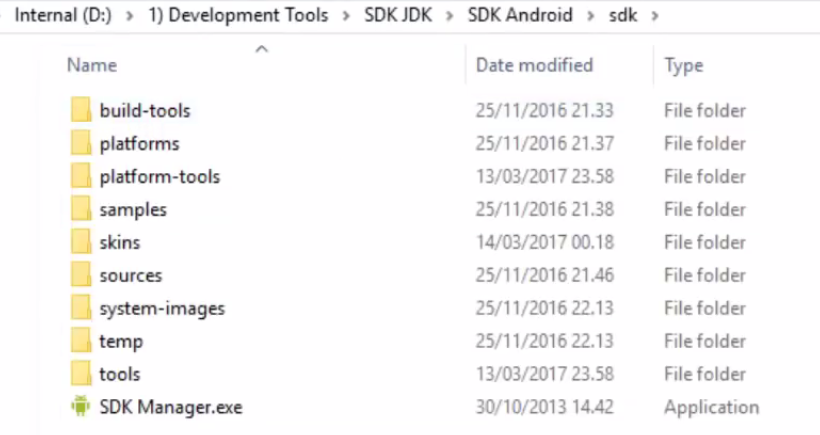
- If you don't have the Android SDK, then you can download it from https://developer.android.com/studio/releases/sdk-tools.html
- It is also must to have the JDK as well.
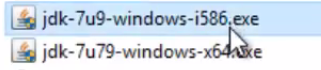
- Now, go to Edit → Preferences → External Tools
- You have to select the SDK Android Location, by clicking the Browse button.
- Also set the JDK Location as well, by clicking the browse button - C:\Program Files\Java\jdk1.8.0_25
- Now, you have to go to - Files → Build Settings
Ctrl + Shift + B - Insert all of your Game Scenes, i.e. unity files into the Scene In Build Pane of Build Settings window, that has popped up. You can do this by dragging those scenes and dropping them inside the Scene In Build location.
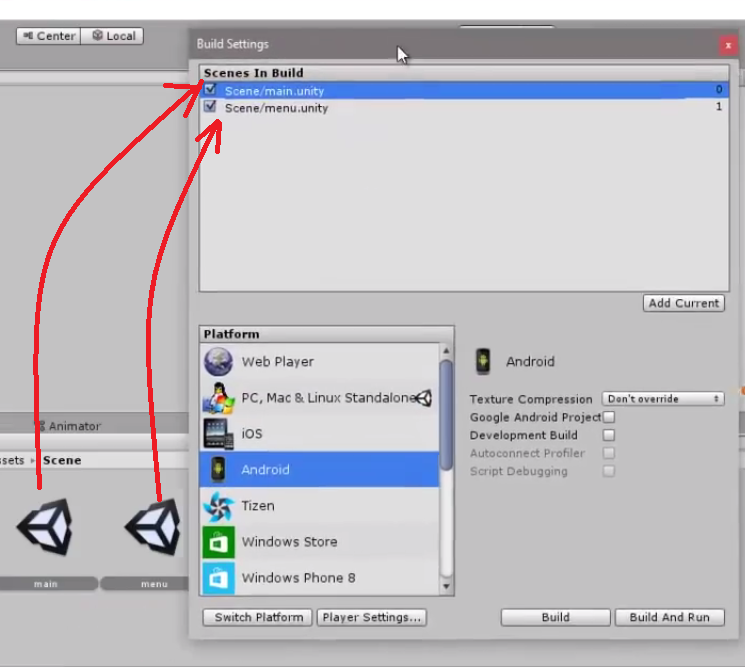
- Then, click on the Player Settings button of the
Build Settingswindow. You will see a new set of options come out of the Inspector Pane - From that player Settings pane, you can edit or update the Company Name, Product Name, Icon, cursor, Build Identifier and other such Game components and APK player settings. Also you can set the Minimum android API Level.
- Now Click Build button, (a build Android dialog box appears) to set the APK location for export. Give it a File-name, and click Save.
- Wait until the build gets fully loaded.
- Now you can check whether your apk file has been properly created or not.
