Line Configuration in Computer Networks
A Network is nothing but a connection made through connection links between two or more devices. Devices can be a computer, printer or any other device that is capable to send and receive data. There are two ways to connect the devices :
- Point-to-Point connection
- Multipoint connection
Point-To-Point Connection
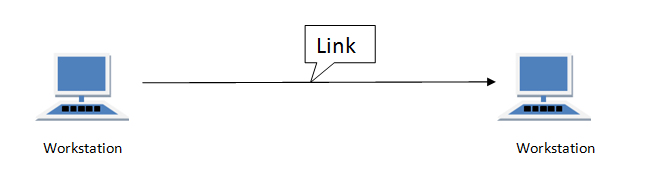
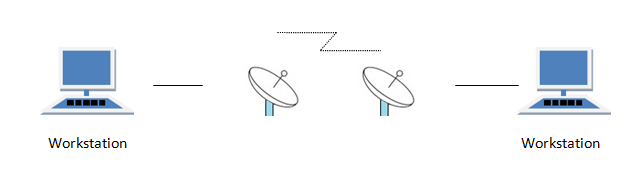
It is a protocol which is used as a communication link between two devices. It is simple to establish. The most common example for Point-to-Point connection (PPP) is a computer connected by telephone line. We can connect the two devices by means of a pair of wires or using a microwave or satellite link.
Example: Point-to-Point connection between remote control and Television for changing the channels.
MultiPoint Connection
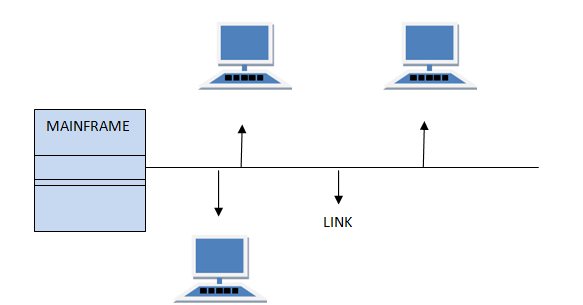
It is also called Multidrop configuration. In this connection two or more devices share a single link.
There are two kinds of Multipoint Connections :
- If the links are used simultaneously between many devices, then it is spatially shared line configuration.
- If user takes turns while using the link, then it is time shared (temporal) line configuration.