For PowerPoint 2007 and newer, the PPTX is the default presentation file format. PPT was the older version of the PPTX file which was used in Microsoft PowerPoint 2003 and older.
The PPSX format of Microsoft PowerPoint is similar to PPTX except that PPTX files open to the editor mode whereas the PPSX file will open directly to the presentation.
How to Open a PPTX File?
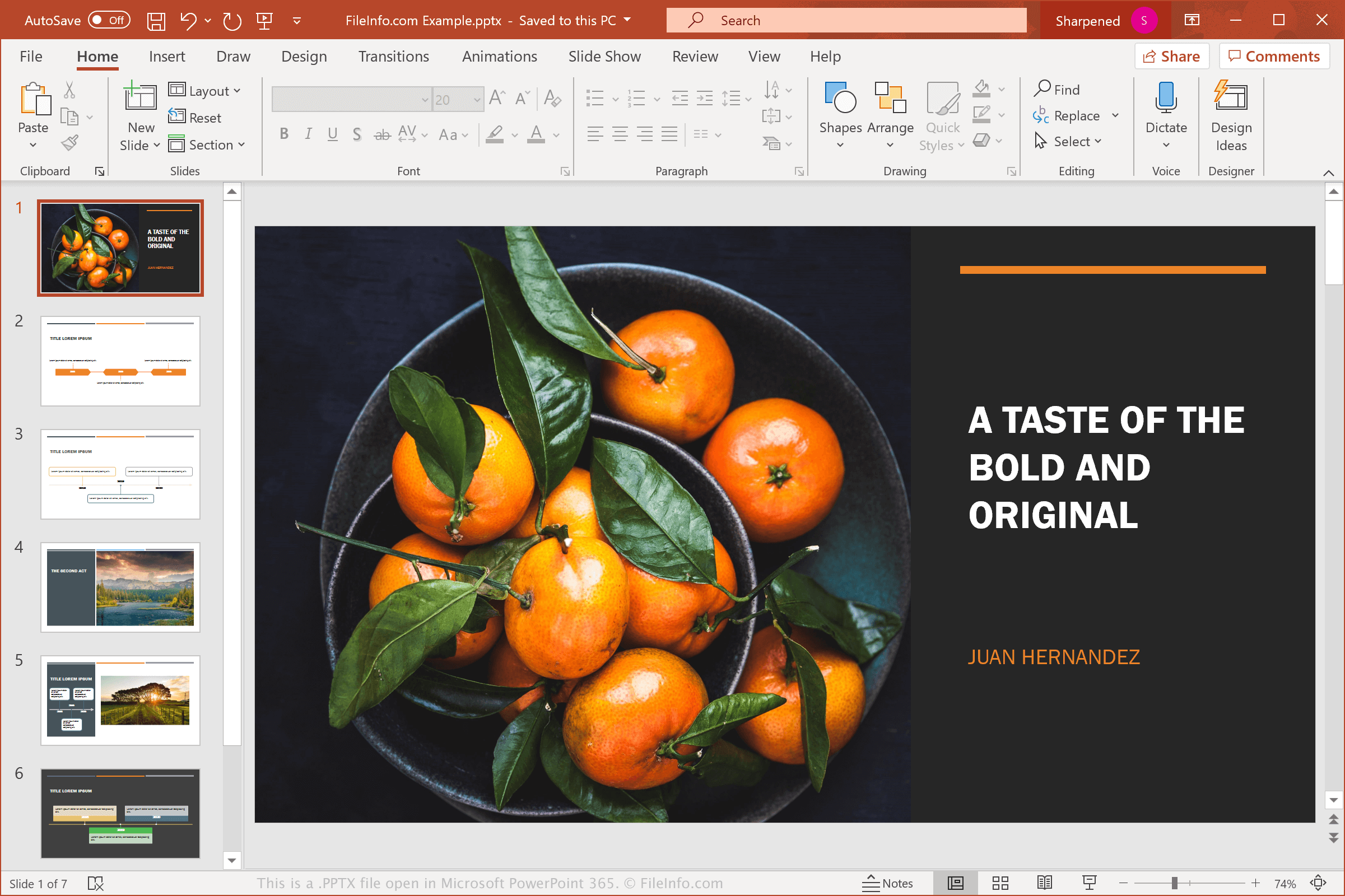
Some free presentation makers can also be used that can import PPTX files for editing online, where you do not need to install any software. You can also use Google Slides that will let you upload a PPTX file from your computer, allow you to edit it and then you can probably keep it in your Google account or download it back to your computer as a PPTX or some other format like PDF.
How to Convert a PPTX File?
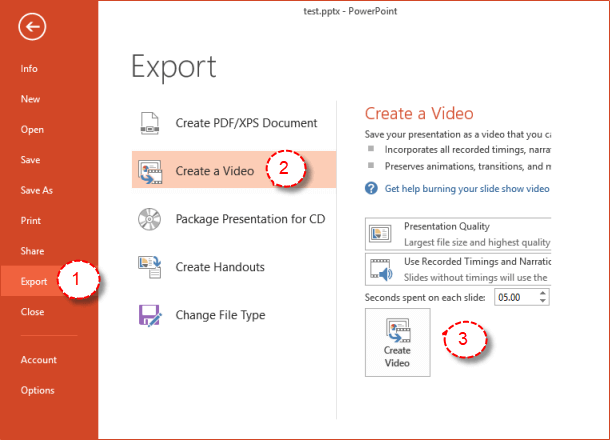
You can also convert the PPTX file into a format that can be recognized by Google Slides. You just have to upload the file to your account by using the New, then File upload menu. The Google Slides will be opened automatically.
You can open the PPTX file once it has been converted to Google Slides and then convert it to other formats using File and then Download. The formats here include PPTX, ODP, PDF, TXT, JPG, PNG, and SVG.
Once the PPTX file has been converted to Google Slides, you can open it there and convert it to other formats via File > Download. These formats include PDF, PPTX, TXT, ODP, JPG, PNG, and SVG.
What to do if one Still Can't Open PPTX File?
Serif PagePlus Template files can be seen as another example that uses the PPX file extension. When you look at just their file extension, it is really easy to think that a PPX file is the same as a PPTX file, but PPX files are actually used with the PagePlus program.
Conclusion:
This is all that you need to know about the PPTX file and how you can open it.
Thanks for visiting our website do share your valuable feedback!!
All the best!
Frequently Asked Questions
1. What is a PPTX file?
PPTX is a file extension used for Microsoft PowerPoint presentations created from PowerPoint 2007 onwards. It is a popular file format for creating and sharing presentations and includes features like slide layouts, graphics, and multimedia content.
2. How can you open a PPTX file?
To open a PPTX file, you will need to have Microsoft PowerPoint installed on your computer. You can also use free alternatives such as Google Slides, LibreOffice Impress, or OpenOffice Impress to open and edit PPTX files.
3. Can you convert a PPTX file to a different format?
Yes, you can convert PPTX files to other formats like PDF, JPEG, or MP4 using PowerPoint or other third-party tools. This can be useful if you need to share the presentation with someone who doesn't have PowerPoint or want to upload it to a website or social media platform.
4. What are some tips for creating a great PPTX presentation?
To create a great PPTX presentation, start by planning your content and message. Use clear and concise language, and focus on key points. Incorporate engaging visuals, such as images and videos, and use slide transitions and animations to add interest. Finally, practice your delivery and timing to ensure a smooth and effective presentation.