How to add Drools plugin in Eclipse
Prerequisites to install Drools Plugin:
- Java 1.5 (or higher) SE JDK.
- Eclipse 4.2 or any version and the Drools plugin.
As Drools is a BRMS (Business Rule Management System) written in Java and hence we will be using eclipse for the demo purpose. Below are the steps to add the plugin in eclipse to use Drools:
Download the binaries from the below link:
http://download.jboss.org/drools/release/5.3.0.Final/
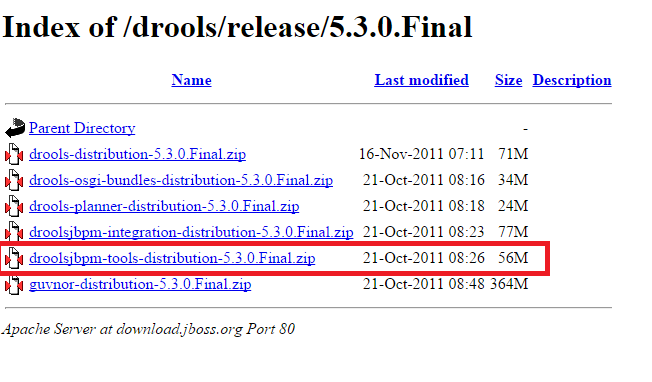
Extract it to your hard disk. Then launch eclipse, go to Help -> Install New Software
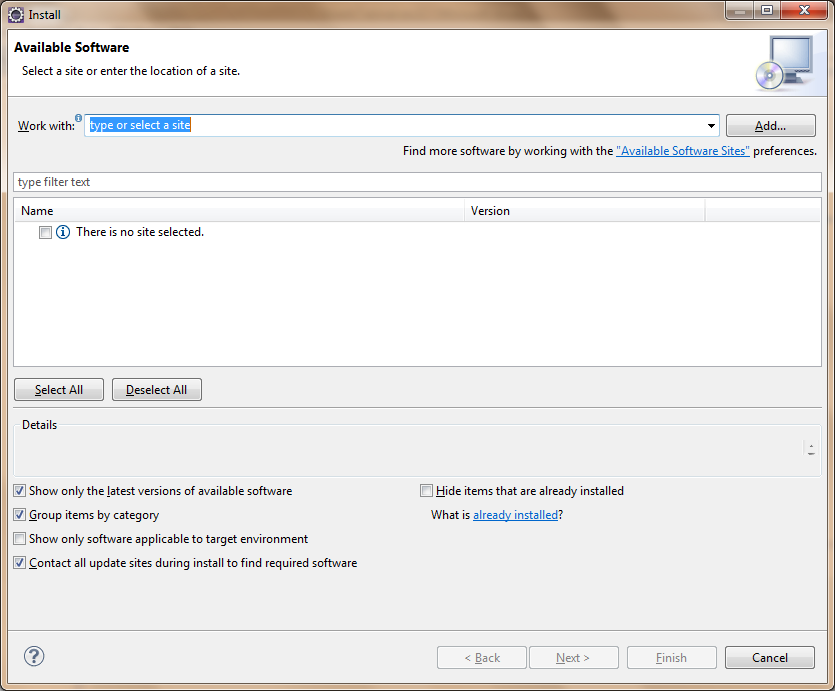
Click on Add
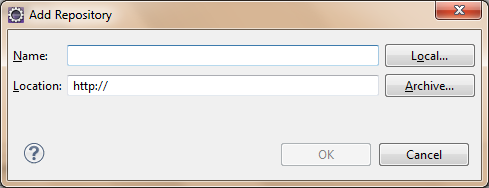
Click on Local and Select ".../binaries/org.drools.updatesite"
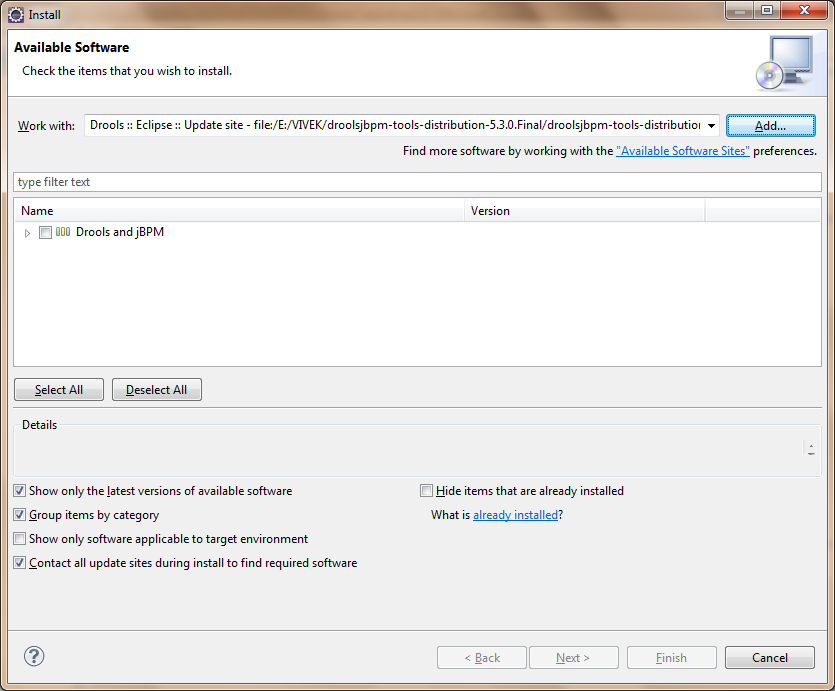
Select Drools and jBPM and click Next
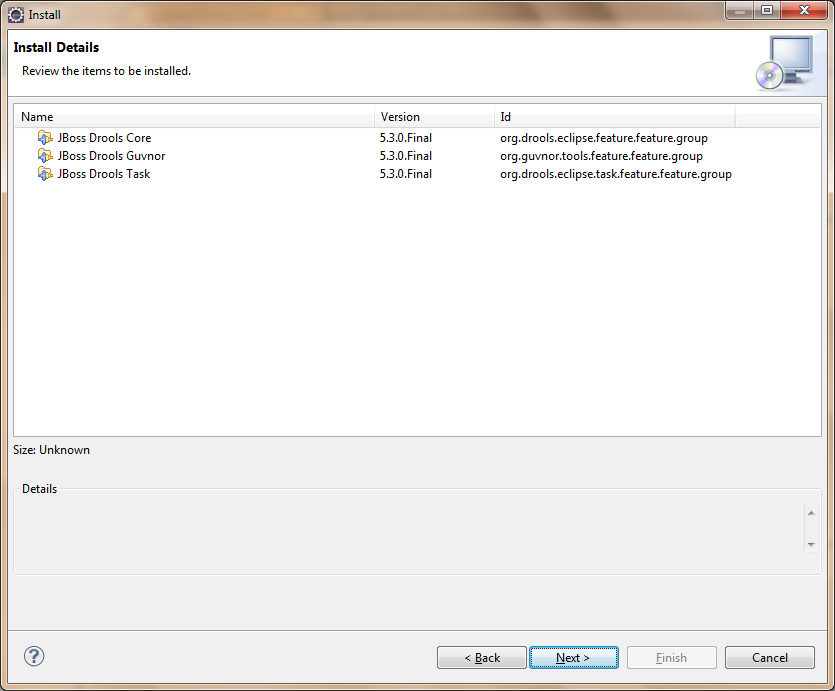
Again Click Next
Click on "I accept the terms of license agreement" and click Finish
Then software installation starts:
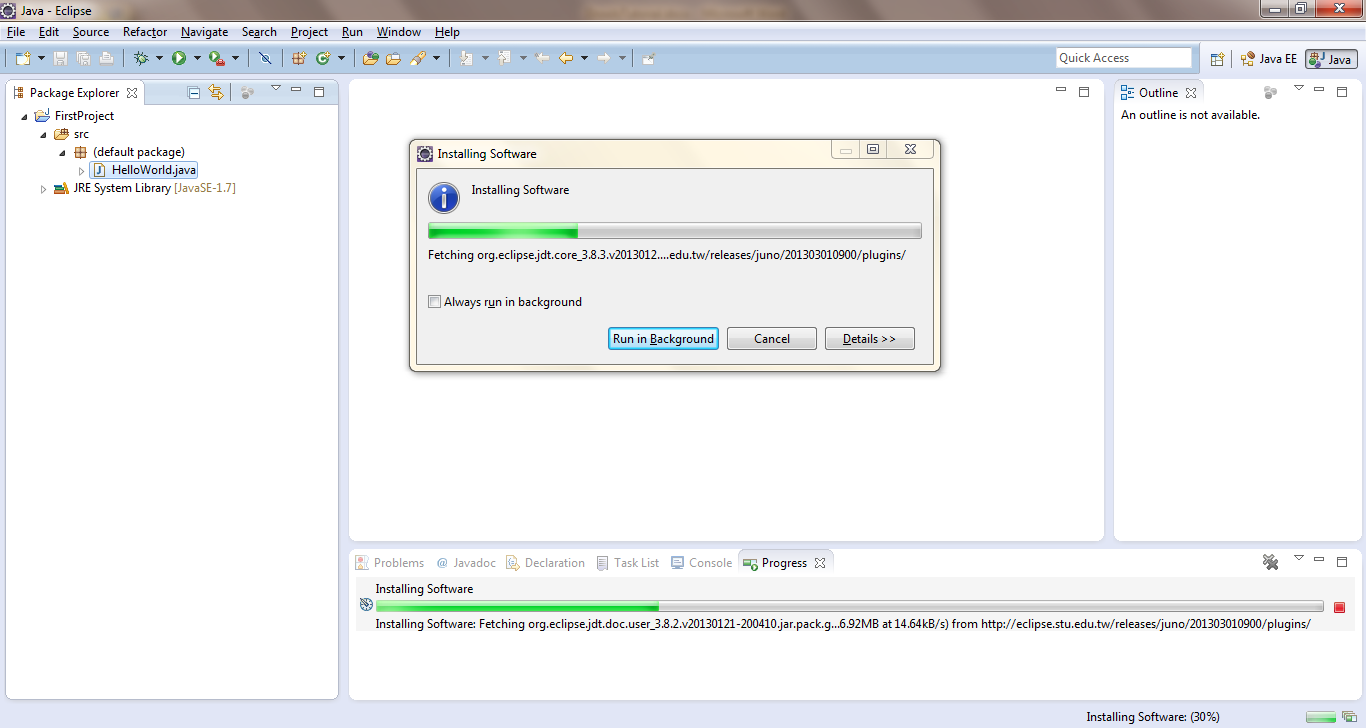
Post successful installation you will get a Pop-Up
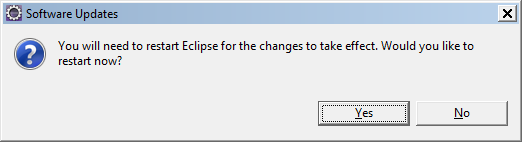
Click on Yes
Once eclipse is restarted, then go to Windows -> Preferences
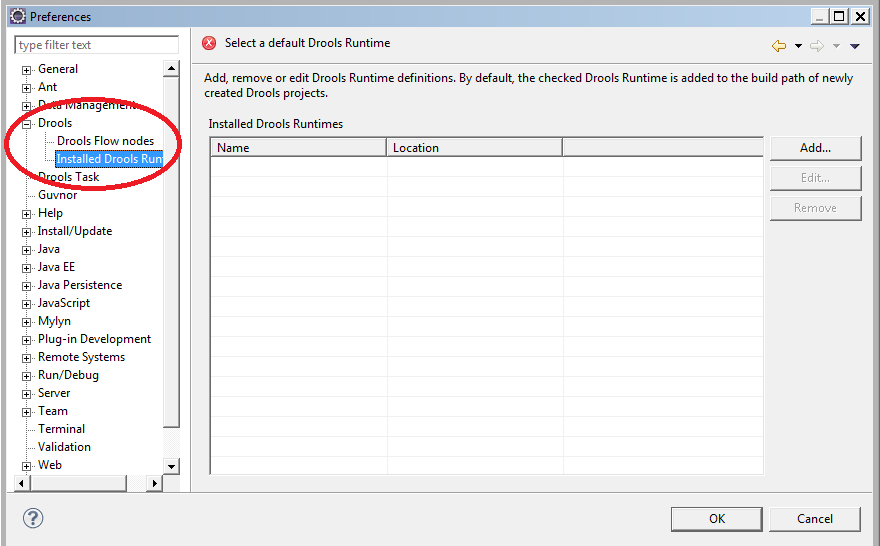
You can see Drools under your preferences. Your drools plugin installation is complete now.
