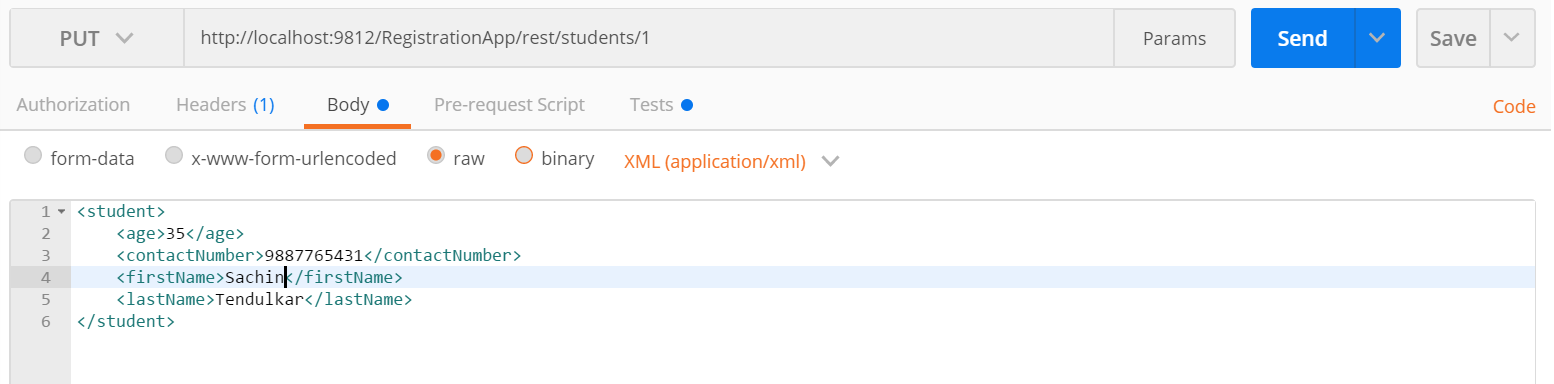
Installing REST Client
A browser can only make a GET request to the serve and receive response in HTML form. So how will you test your newly coded web services, as you will have to run POST, PUT and DELETE HTTP requests.
There are many options available for the REST client. However, the POSTMAN is simplest to use.
POSTMAN is available as Google extension which you can easily add in your Google Chrome browser.
Delete Request from the POSTMAN

POST Request from the POSTMAN
We can send the message body in the POST request and one thing to note here is that we have not supplied the rollno in the body.
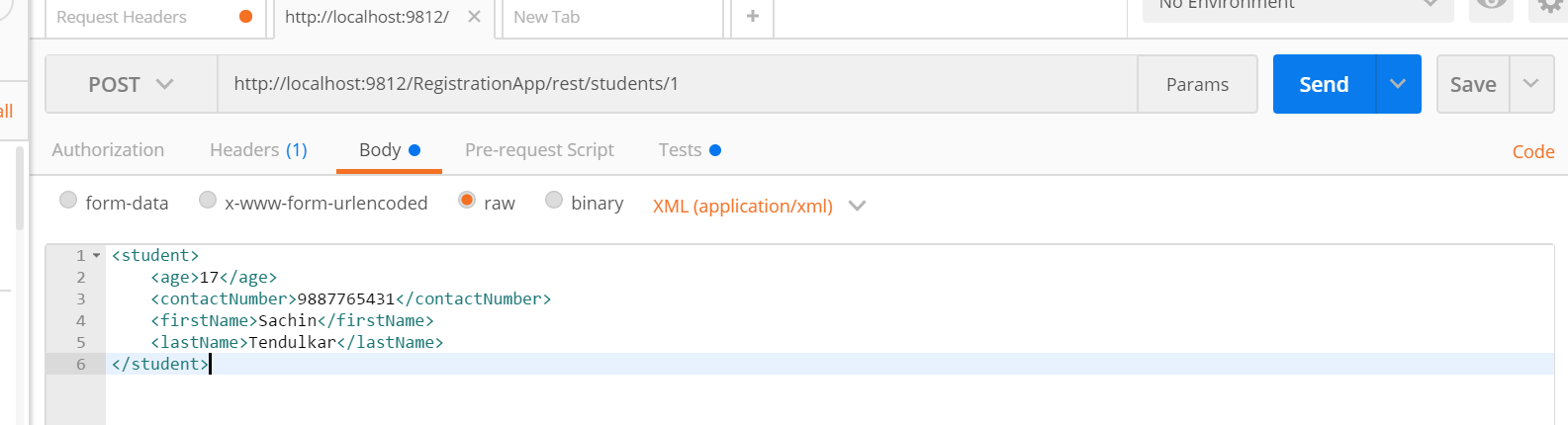
The roll no is rather supplied through the URI.
PUT Request from the POSTMAN
We have changed the age of the student in the request, using the PUT request.